21 Git Collaboration
Practice git commands at Learn Git Branching
Pizza app: a collaborative exercise using git
- You’ll need a GitHub account and git. I recommend installing GitHub Desktop or something similar.
Learn Git Branching
Work on the following practice modules of Learn Git Branching
- Introduction Sequence
- Ramping Up
- Moving Work Around
- A Mixed Bag
Pizza app
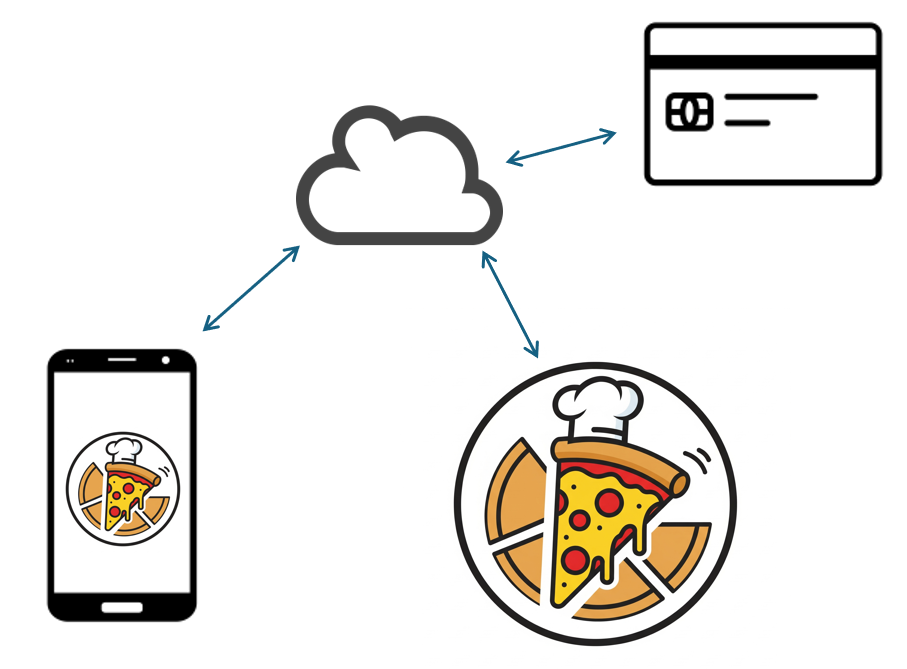
Set up
The Pizza app project has an app complete with a UI and buttons, but the buttons don’t do anything yet. In this simulation, we’ll begin working on implementing the app and connecting it with our pizza shop.
- Break up into groups of 2 - 3 students and create a Pizza app assignment repository together.
- The first student will need to create a group in GitHub classroom (follow the link above).
- Subsequent group members can then join the group on GitHub classroom.
- Everyone clone the group repository to your individual computers.
Feature branching
- Populate your backlog and add an issue for each item in the backlog. Each item should be specific - for example:
- Add menu to back-end database
- Populate menu with current offerings
- Add connector to payment processing service
- Select the branching strategy you would like to use and set up relevant branches in your repository. For example:
- GitFlow will need
devandreleasebranches - GitHub Flow does not need additional branches at this time
- GitLab Flow will need
devandstagingbranches - we’ll usemainfor the production branch
- GitFlow will need
Sprint 1
- Plan your first sprint and assign each team member one item to complete.
- Each team member:
- Create a feature branch for your work.
- Update the repository by creating a new file or modifying an existing file describing the work you were assigned.
- Merge your completed feature branch into
dev.
- Wrap up and push your work from sprint 1 to the next stage - this may involve merging with
release,stagingand/ormain. - Sprint review: report back on your progress.
- Sprint retrospective: discuss among yourselves how things went and any changes you would like to implement during the next sprint.
Repeat
Repeat the steps above for the next sprint. We will go through this process a few times as time allows.
Homework
Congratulations! Your app is a success and orders are pouring in. Unfortunately, there were a few bugs that are causing some minor problems. Before our next class, each team member should do the following:
- Add a hotfix branch to fix one of the bugs. The bug fix should consist of making an edit to one of the existing files in the project. Something like “this is a bug fix” is sufficient.
- Merge your hotfix into the correct branch(es)
- GitFlow: merge directly into
main,devandrelease - GitHub Flow: merge into
main - GitLab Flow: merge into
main,staginganddev
- GitFlow: merge directly into
Remember to push your changes to GitHub and submit a link to your group repository on Blackboard when you are finished.