17 Technical Presentations
Content & Structure
Establish the Narrative Early
Clearly state the problem/need for the research in the first two slides
Your introduction should hook the audience by highlighting the specific technical challenge in leading project teams that your paper addresses
Signposting
Use clear heading slides for each major section (Introduction, Research Need, Data, Conclusion)
Verbally announce the transition to help the audience follow your logic
The Rule of Three (or Four)
Structure your main arguments or data points into small, digestible chunks
Three or four items is best
Focus on Insights, Not Details
The presentation should summarize the key findings and conclusions of the research paper, not read the entire document
Assume the audience has the report for detail, and use the presentation to provide the “why it matters”
Visuals & Slides
High Data-to-Ink Ratio
Maximize the information conveyed while minimizing “chart junk” (unnecessary ornamentation, 3D effects, over-the-top backgrounds)
Every line, image, and word should serve a purpose
Use Visuals for Data
Never read charts or tables verbatim
Avoid information overload (audience should not have to choose between listening to you and reading your slide)
Highlight the important points
Present your technical data (graphs, matrices, flowcharts) and then explain the significance of the trend or finding
Keep Text Minimal
Use the slides as visual aids, not teleprompters
Limit bullet points and use large, legible fonts
Aim for keywords and phrases, not complete sentences
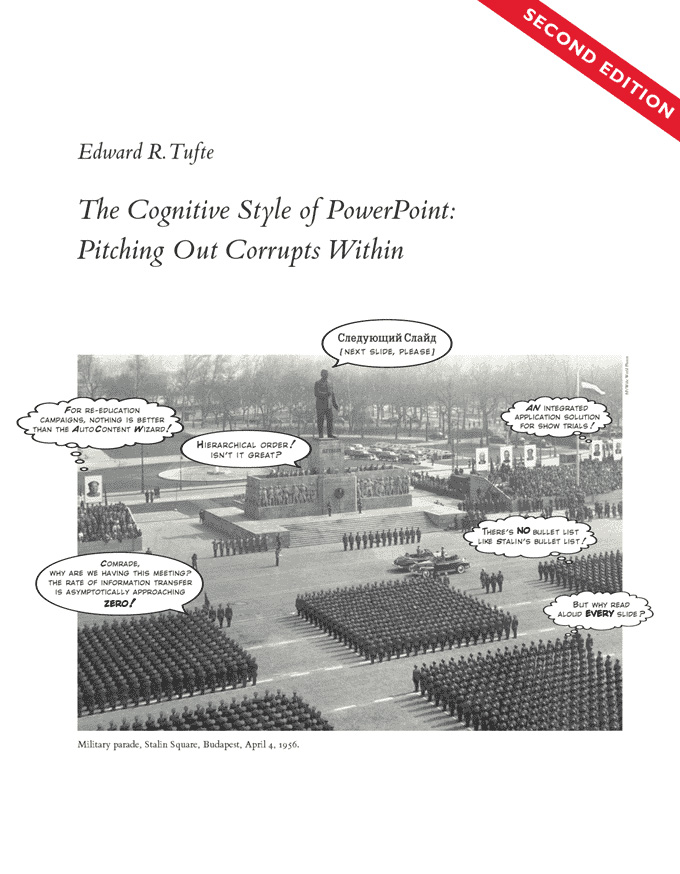
Default presentation templates often “weaken verbal and spatial reasoning and almost always corrupt statistical analysis” (Tufte 2004)
Create high-density, informative slides when appropriate (like a detailed chart)
Provide detailed handouts for complex tables if necessary
Delivery & Engagement
Know Your Material Cold
Do not read your presentation word-for-word
Practice enough so you can speak conversationally, maintain eye contact, and only glance at the slides or note cards for cues
Pace and Pause
Speak clearly and deliberately
Pause after presenting a key piece of evidence or before delivering the conclusion to allow the audience time to absorb the information
Control the Clicker
Only advance the slide when you are ready to discuss the next idea
Avoid “rapid-fire” slides that rush the audience
Maintain Professional Presence
Use strong, open body language
Stand tall, use hand gestures naturally, and ensure consistent eye contact across the entire audience (not just “the boss”)
Anticipate Q&A
- Prepare mentally for the most challenging questions related to your methodology, data limitations, and practical implications for leading a technical team